
Account Change Events
Show a timeline of recent Proff change events for the current Account.
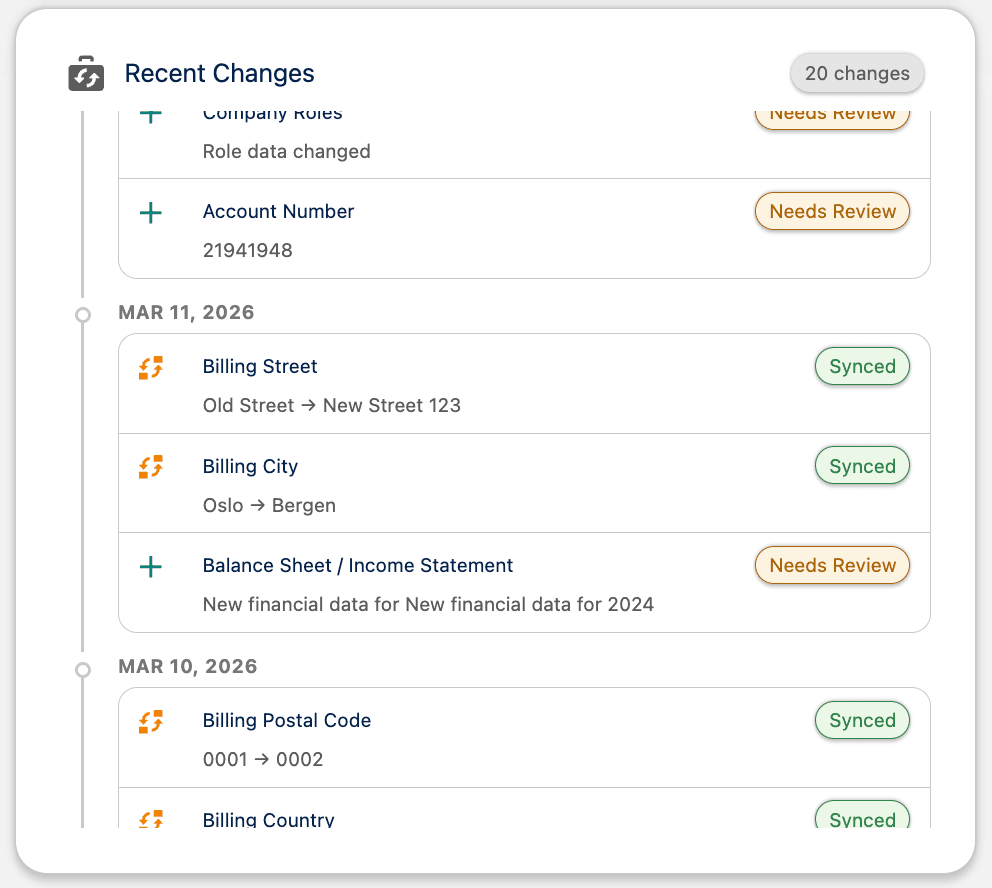
The Account Change Events Lightning Web Component shows a timeline of recent Proff change events for the current Account. It helps you see what changed in Proff and how it relates to the record you are viewing.
The component matches change events to the Account using organisation number or the account link. Only events that belong to this Account are shown.
Where to add it
Add the component to the Account record page in Lightning App Builder:
- Open an Account record page in Edit mode (Lightning App Builder).
- Drag the Account Change Events component onto the page where you want it to appear.
- Save and activate the page.
What it shows
The component displays recent change events for that Account — what was updated, when, and the outcome. Values are shown in a readable format where available, and each event has a sync-status badge such as Pending, Synced, Sync Failed, or Needs Review.
If there are no change events for the Account, or if an error occurs, the component shows an appropriate empty or error message.
Note
Change events are created when you use Real-Time Changes. The Account Change Events component only shows data for Accounts that have been included in at least one Change Job run.
Was this article helpful?